How to upload your virtual results as a participant
Results can be submitted here by following these steps:
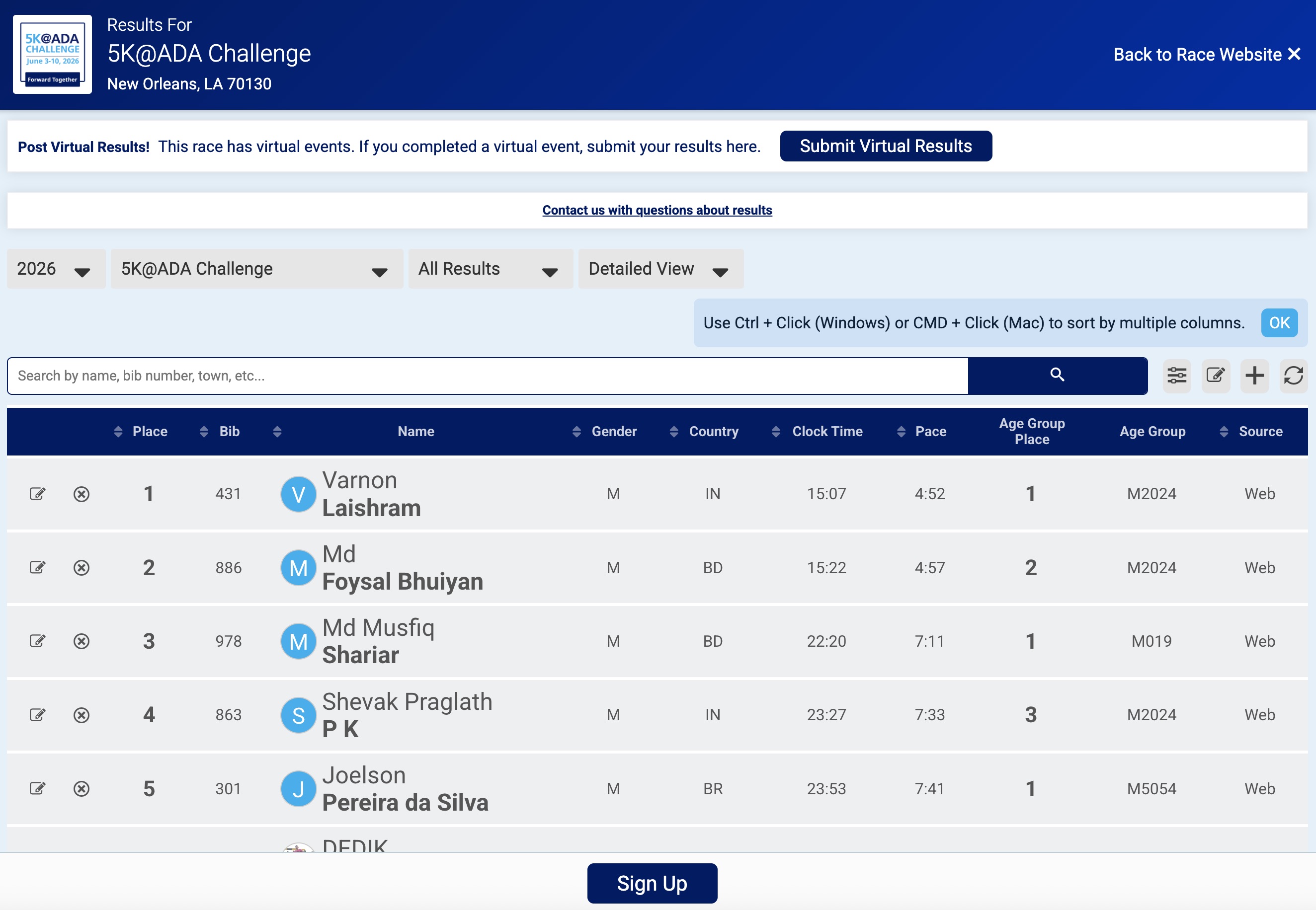
- Go to the 2026 results page of the 5K@ADA Virtual Challenge.
- From the results page, click the Submit Virtual Results button.
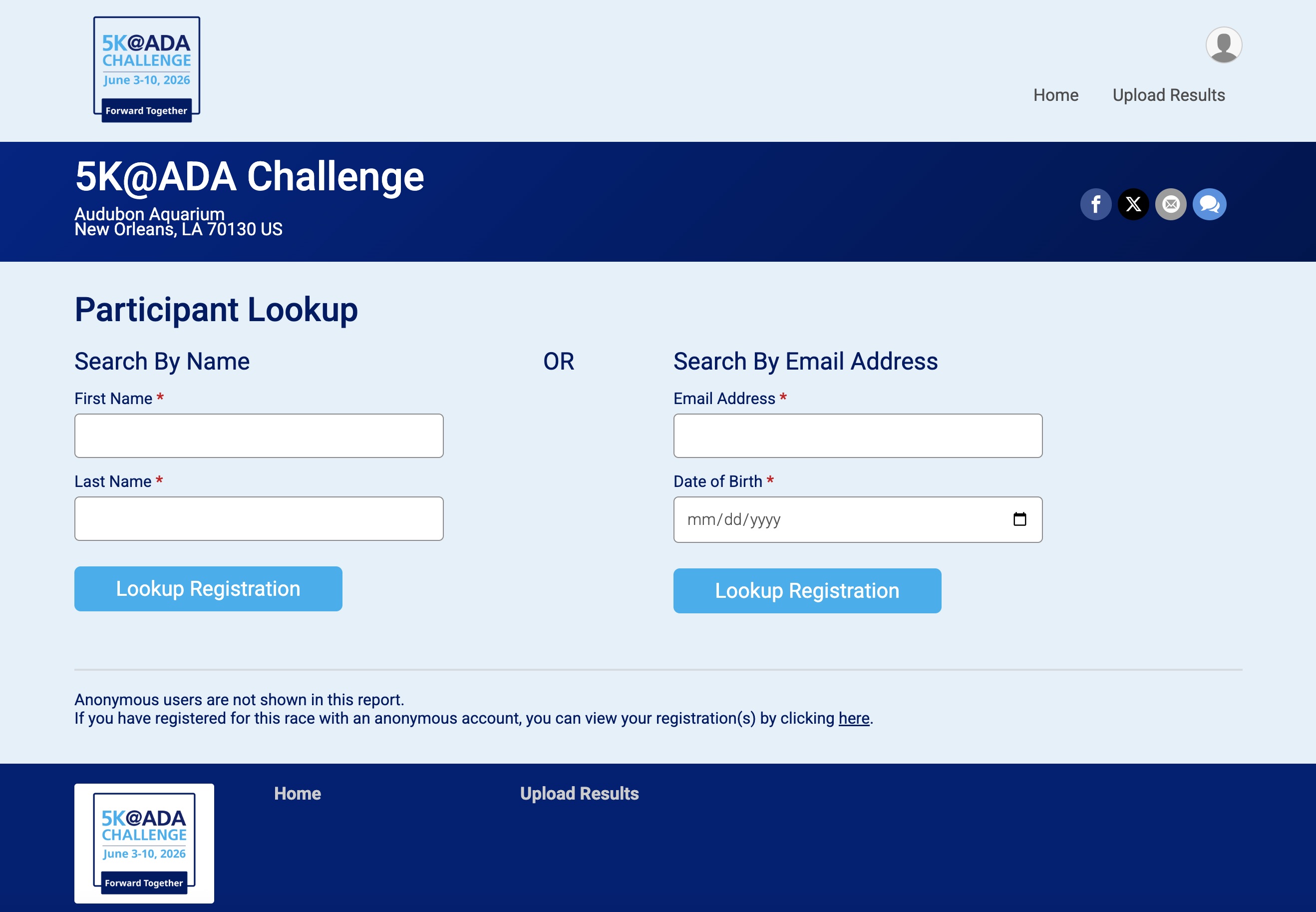
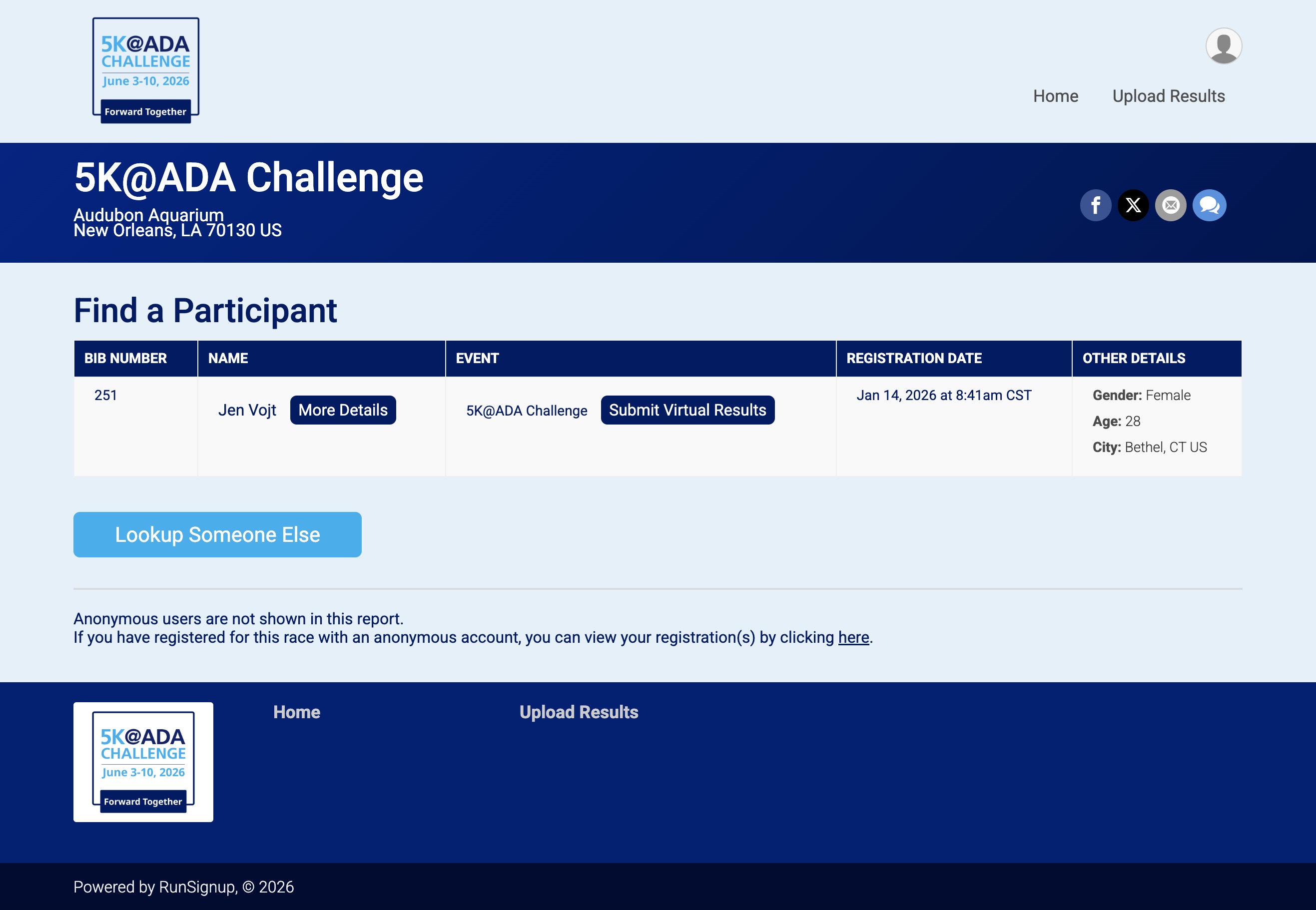
- In order to submit a virtual result, you will have to confirm your registration. To confirm your registration enter in your first and last name and confirmation number, or email address and birthday.
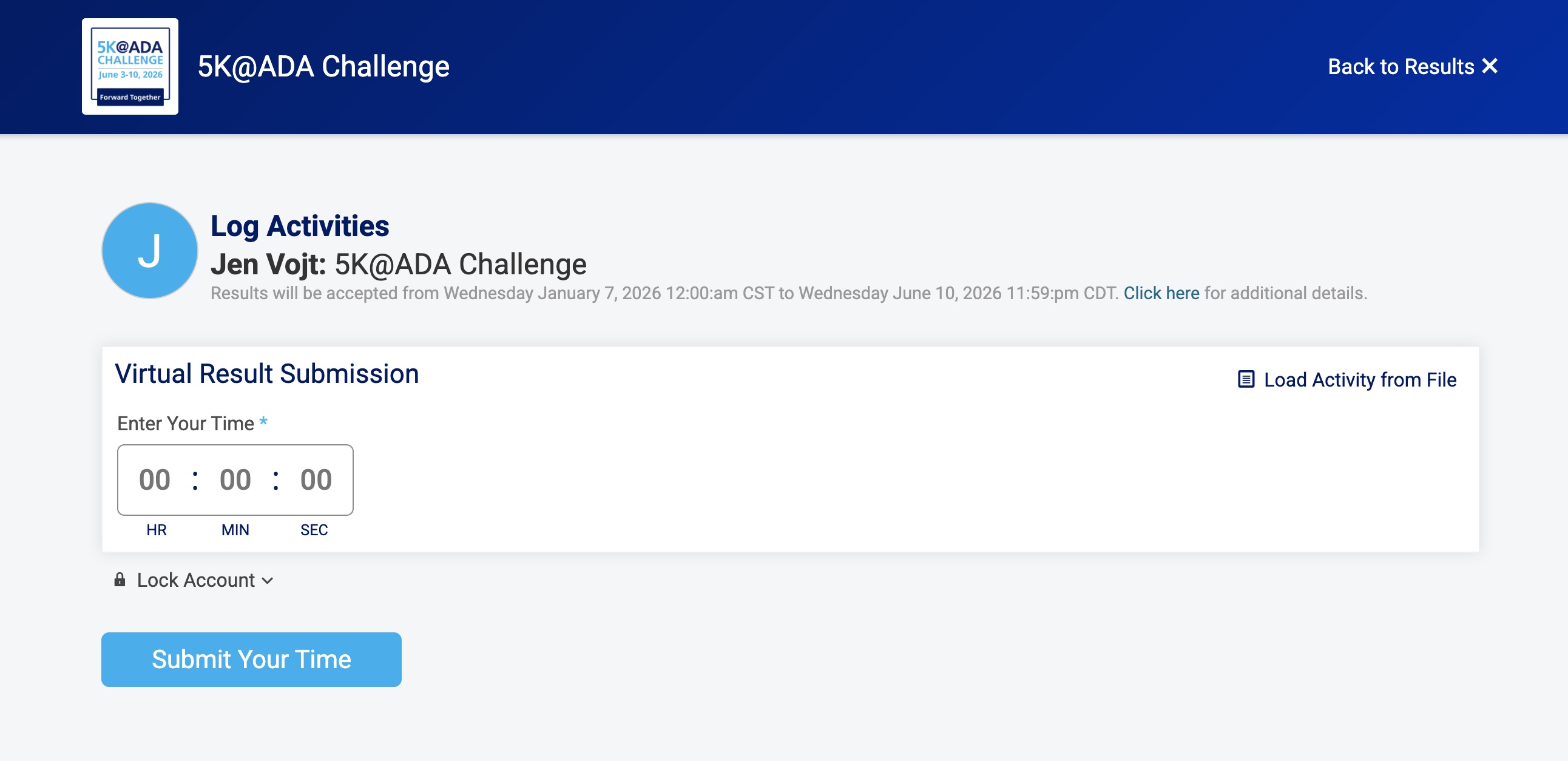
- Once your registration is confirmed, you will be prompted to enter your results. You are able to come back at a later time to post additional results.
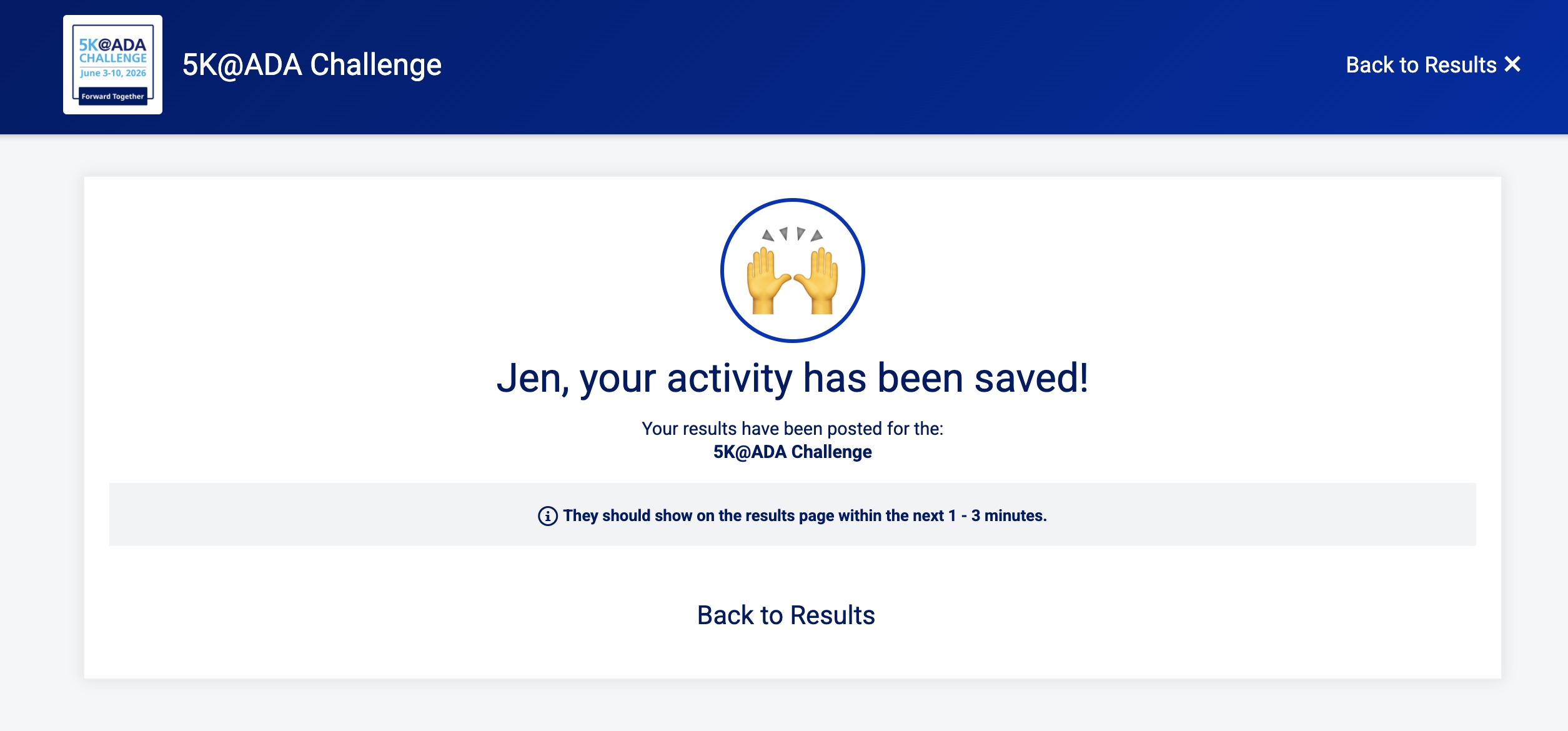
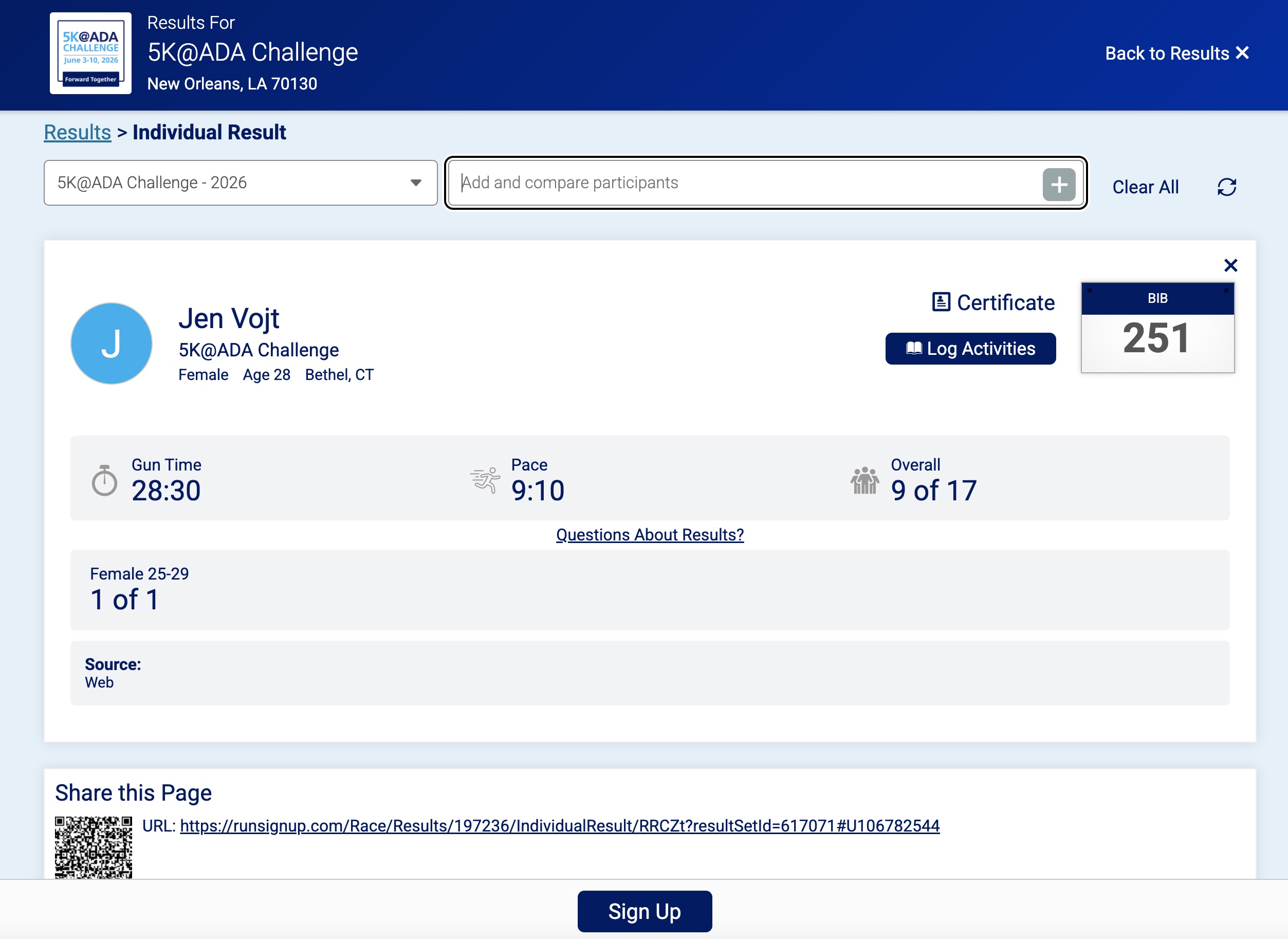
- After your results are submitted, click on your name for your result details. Results should take 1 - 3 minutes to appear on your profile.